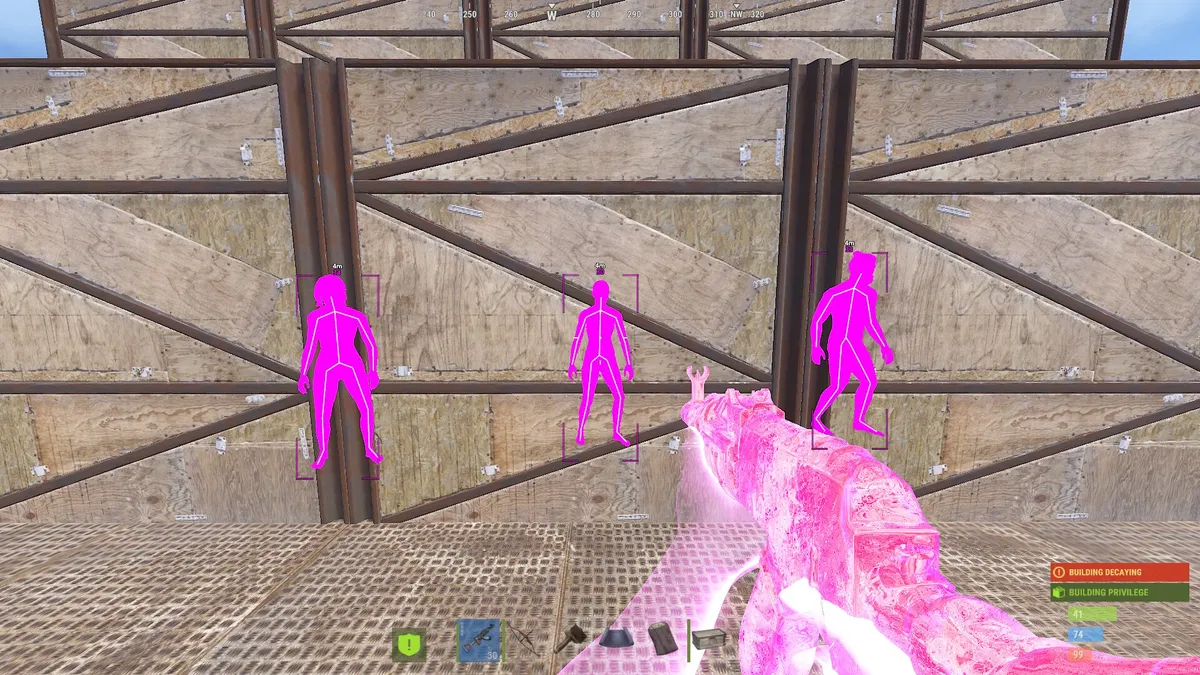

Rust cheat prices depend on the product and the license duration you choose. The table above shows the plans in the Nano Cheats catalog for Disconnect Rust External and Disconnect Rust Internal, using the same catalog source as the product pages.
Compare a named plan on each product before comparing its price. The lowest From price can refer to different durations, so it should not be treated as a monthly price or evidence that one build offers better value.
How to Compare Rust License Prices
- Choose the build whose listed features and requirements match your setup.
- Find the duration you want in the catalog table or product purchase panel.
- Compare the total for that duration, rather than comparing two unrelated starting prices.
- Review current availability, delivery details and the final checkout total.
Our Rust product comparison explains the differences in the listed features. You can also start from the Rust cheats overview.
License Duration Is Not the Same as Recurring Billing
A duration such as a day, week or month describes a period of access. It does not, by itself, tell you that a payment automatically repeats. Check the actual offer and checkout terms for activation, expiry and any recurring payment terms.
If a lifetime option is offered, read what lifetime means for that product and which conditions apply. Do not assume that every product has a lifetime plan or that the label guarantees permanent software support.
What Matters Besides the Price?
Features you will use. External and Internal have different feature lists. Paying for controls you do not need may not suit your setup; the cheapest plan may also omit the build you wanted.
System requirements. Confirm the supported Windows versions and any setup requirements on the selected product page before paying.
Current status and support. Review the live status page and the product-specific instructions. Price alone does not establish compatibility, detection status or account safety.
Duration and terms. Compare how long access lasts, when activation starts and the conditions attached to the selected license.
Where to Check the Final Price
Open Disconnect Rust External or Disconnect Rust Internal to select a plan. Prices can change, so confirm the amount for your selected license at checkout before paying.
Check the selected product and duration in the purchase panel, then confirm the final total at checkout. No figures in this guide are intended as an average across other sellers.
Frequently Asked Questions
How much do Rust cheats cost per month?
Compare the explicitly named monthly plan, if available, for each build in the catalog table above. Do not multiply a short-plan price and present it as the actual monthly offer. The product page shows the current selectable plans.
Is lifetime access worth it?
Compare its stated terms and cost with the duration you actually need. Only evaluate lifetime when it is offered for the product; do not assume it includes unlimited future support or updates.
What affects the price of a Rust cheat?
The product, feature set and selected license duration determine which offer you are comparing. Review requirements, support and delivery terms alongside the listed price.
Does a more expensive Rust cheat mean it is safer?
No. Price is not evidence of detection status or account safety. Check the current reported status and product instructions separately.
Next Steps
Compare the External and Internal builds, review how to buy, and use the setup guide to prepare for the selected product.